HP Smart Install Not Working? Fix It in 5 Minutes (2026 Guide)
This is one of the most common issues during HP printer setup, especially when using outdated installation methods. If you’re facing HP Smart Install not working, don't waste hours restarting. The problem is almost always auto-run disabled, outdated drivers, or an unsupported printer model.
The fastest solution is often to switch to the HP Smart App setup method, which is the officially recommended modern approach.
HP has officially moved away from Smart Install in favor of modern setup tools. This guide reflects the latest changes.
| Problem | Quick Fix |
|---|---|
| HP Smart Install not working | Use HP Smart App instead |
Fix this in under 5 minutes — here’s exactly how.
- ✔ Fix time: 2–5 minutes
- ✔ Main cause: outdated setup method
- ✔ Best fix: use HP Smart app
- ✔ Difficulty: easy (no technical skills)
Works for HP DeskJet, Envy, LaserJet, OfficeJet, and Smart Tank printers.
Common Variations of This Issue
- HP Smart Install not launching
- HP Smart Install not detecting printer
- HP Smart Install stuck on loading
- HP Smart Install USB not recognized
HP Smart Install Not Working? Here’s the Real Fix
If HP Smart Install is not working, don't waste hours restarting. The problem is almost always one of three things: auto-run disabled, outdated drivers, or the printer simply doesn't support this legacy method. Below you'll find the fastest ways to get HP Smart Install working again — or better yet, switch to a method that never fails.
Quick Fix (Try This First — Takes 2 Minutes)
- Restart your printer and computer
- Use a USB cable (temporary) for setup
- Make sure your device is on the same WiFi network
- Disable antivirus/firewall temporarily
📌 Related fixes: Fix HP printer offline issue | HP printer not printing | If your printer is not detected at all, try the USB method first. For deeper driver issues, see printer driver not working or HP printer driver unavailable.
Which Setup Method Actually Works?
| Method | Works? | Recommended |
|---|---|---|
| HP Smart Install | ❌ Outdated | No |
| HP Smart App | ✅ Yes | Best |
| 123.hp.com | ✅ Yes | Alternative |
What Is HP Smart Install? (Important context)
HP Smart Install is an older setup method — a built‑in feature in some older HP printers that allowed driver installation without a CD. It automatically launches when you connect the printer via USB. If HP Smart Install not working persists after following the steps, skip to the modern alternatives.
👉 Most modern printers now use the HP Smart app instead. If Smart Install fails, skip directly to the HP Smart app setup or the full modern setup guide.
Why HP Smart Install Fails
- Feature removed on newer HP printers
- Windows blocking auto‑run programs
- Corrupted or outdated drivers
- USB connection issues
- Conflicts with existing printer software
If driver issues persist, download the latest HP printer drivers or check our printer driver not working and HP printer driver unavailable guides.
Fix HP Smart Install Not Working (Windows)
- 1 Enable USB Auto‑Run: Control Panel → AutoPlay → Turn on “Use AutoPlay for all media”
- 2 Connect printer via USB and wait for Smart Install to launch (this takes ~30 seconds)
- 3 Manually open Smart Install: File Explorer → “HP Smart Install” drive → run
Setup.exe - 4 Remove old drivers: Devices and Printers → remove all HP printers → restart PC
- 5 Use HP Smart App (recommended): HP Smart app setup guide or the full printer setup walkthrough
HP Smart Install on Mac (Important)
HP Smart Install does NOT work on macOS.
👉 Use HP Smart or AirPrint. Follow the Mac HP printer setup guide.
Printer Not Detected During Setup?
Takes less than 2 minutes: restart router, move printer closer to WiFi, use USB first, ensure printer is in setup mode. If your printer is still not detected, follow the dedicated guide.
🔹 HP printer not connecting to WiFi — quick fix inside.
Advanced Fix (If Setup Keeps Failing)
- Reset printer network settings
- Assign a static IP address
- Disable VPN / check firewall
If your printer keeps disconnecting or shows offline again, these advanced steps usually resolve it.
HP Setup via 123.hp.com (Alternative Method)
If HP Smart Install is not working, you can use the official setup method:
👉 Complete 123.hp.com setup guide
- Works for new printers
- Fixes driver installation issues
- Helps with WiFi setup problems
Best Alternative (Recommended Setup Method)
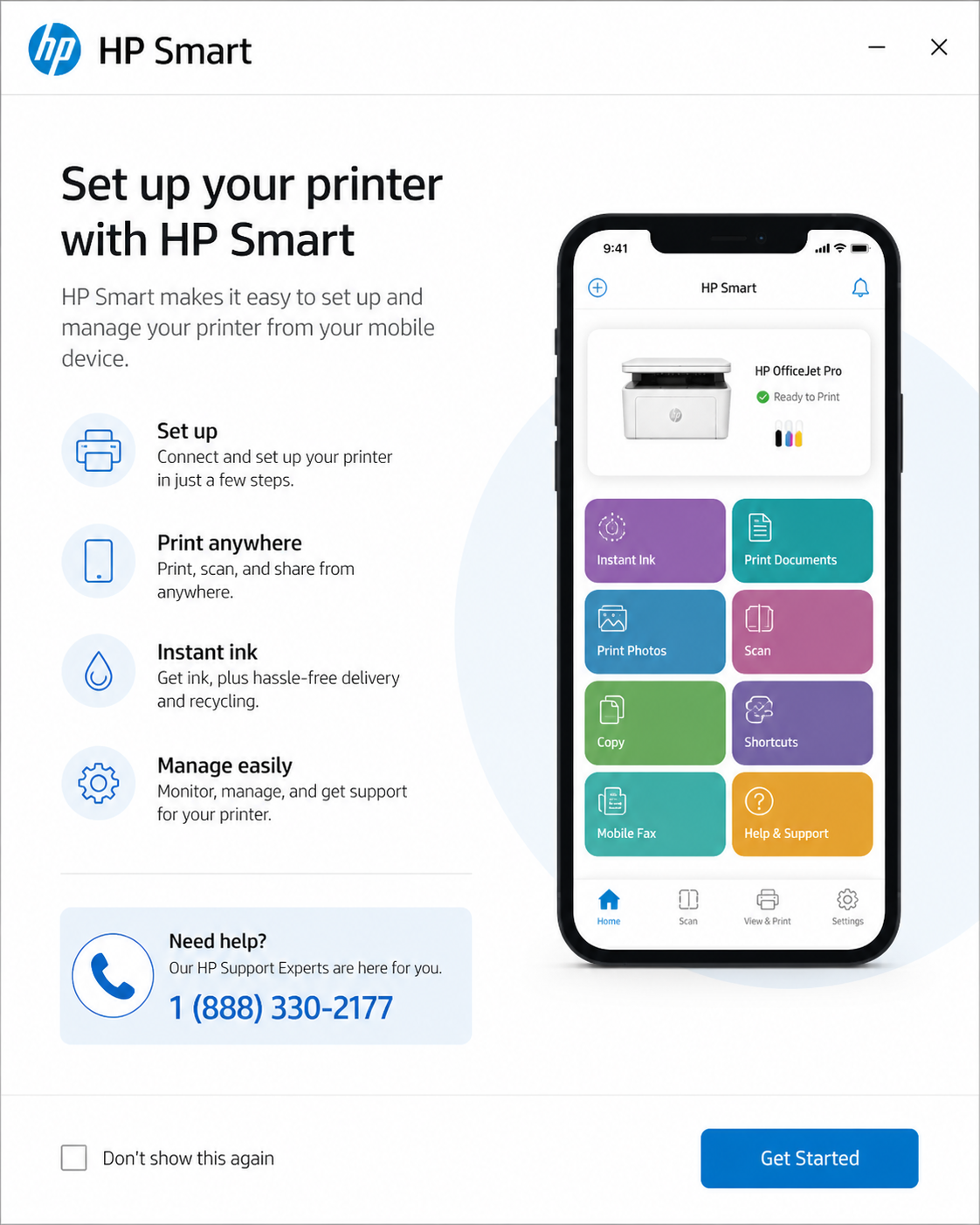
Skip Smart Install completely — use HP Smart:
✔ Connect printer to WiFi
✔ Add printer in app
✔ Automatic driver install
👉 Step‑by‑step HP printer setup | Also see HP setup via 123.hp.com (alternative method)
Related HP Setup Issues
📘 Complete HP troubleshooting cluster:
If your printer keeps failing during setup…
Repeating the same steps won’t fix it. These errors usually require deeper configuration fixes — driver conflicts, network stack issues, or OS compatibility.
Get it fixed properly — one call resolves all errors. (Takes less than 10 minutes)
📞 Call Now: +1 (888) 330-2177✔ Complete setup done for you ✔ Fix Smart Install errors ✔ WiFi & driver config
Frequently Asked Questions
No, many newer HP printers no longer support it. Use HP Smart instead.
Usually due to disabled auto‑run, driver issues, or unsupported printer models.
Most commonly caused by USB connection issues, outdated drivers, or Windows blocking auto-run services.
Use the HP Smart app or the full HP printer setup guide.
Sometimes yes, especially for first‑time configuration or when WiFi fails.
For ranking, link from /hp-printer-setup/, /hp-smart-app-setup/, /hp-printer-driver-download/, /123-hp-com-setup-install-and-connect/ using “HP Smart Install not working” or “fix Smart Install errors”.