Printer Error Codes: 25 Common Errors and Powerful Fixes Guide
Printer error codes are system messages that indicate a specific issue with the printer hardware or software. Understanding these printer error codes helps users quickly diagnose problems like paper jams, low ink, driver conflicts, or network failures. These diagnostic alerts are useful because they help identify the exact issue with the printer, allowing users or technicians to resolve problems efficiently.
This guide covers the most common printer error messages across major brands, explains what they mean, and provides step-by-step fixes to get your printer back online.
📋 Printer Error Codes Quick Index
- 79 – HP firmware error
- B200 – Canon printhead failure
- E05 – Canon cartridge problem
- 0x97 – Epson hardware failure
- 48 – Brother printhead malfunction
- 5100 – Canon carriage error
- 0xF1 – Epson scanner error
- 59.F0 – HP motor issue
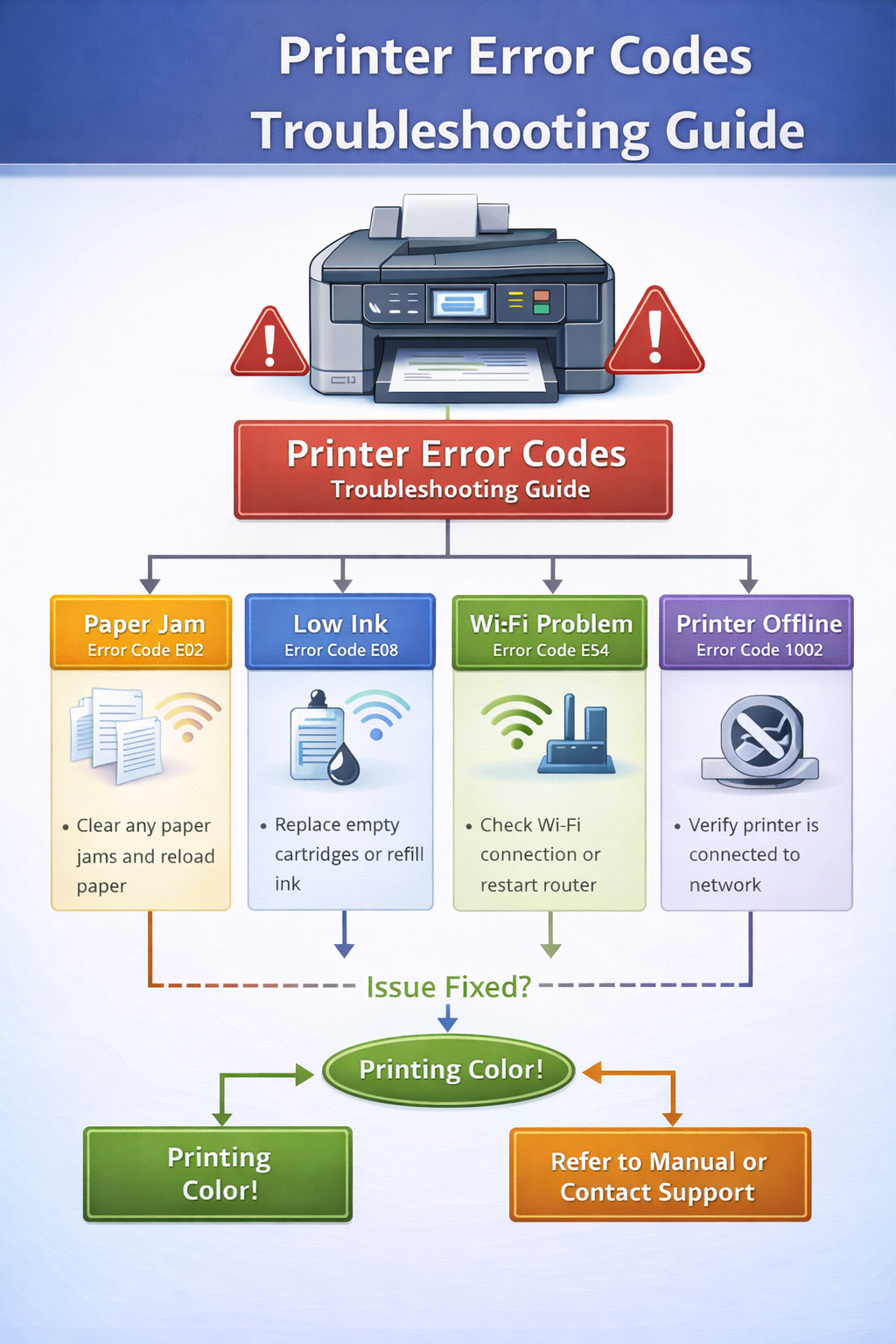
Understanding Printer Error Codes
Modern printers use diagnostic codes to communicate problems to users. These codes appear on the printer display, in computer software, or via blinking LED patterns. Each code corresponds to a specific fault, such as a paper jam, empty ink cartridge, or communication error. Recognizing these printer warning codes helps you take the right action.
Common Printer Error Codes Explained
Error 79 (HP)
Meaning: Firmware communication problem.
Possible causes:
- Corrupted firmware
- Network interruption
- Print job conflict
Fix: Restart printer, clear print queue, update firmware.
Error B200 (Canon)
Meaning: Printhead failure or overheating.
Possible causes:
- Damaged printhead
- Ink system error
Fix: Restart printer, reinstall cartridges, replace printhead.
Error E05 (Canon)
Meaning: Cartridge recognition error.
Possible causes: Dirty contacts, faulty cartridge.
Fix: Reinstall cartridge, clean contacts, replace faulty cartridge.
Error 0x97 (Epson)
Meaning: Internal hardware error.
Possible causes: Mainboard failure, ink system issue.
Fix: Restart printer, run maintenance utility, contact support.
Error 48 (Brother)
Meaning: Printhead malfunction.
Possible causes: Damaged printhead, electrical fault.
Fix: Restart printer, clean contacts, replace printhead.
Error 5100 (Canon)
Meaning: Carriage position error.
Possible causes: Paper jam, carriage obstruction.
Fix: Clear jam, manually move carriage, restart printer.
Complete Printer Error Code Reference
| Error Code | Printer Brand | Meaning |
|---|---|---|
| 79 | HP | Firmware error / communication failure |
| 59.F0 | HP | Motor or mechanical error |
| 49.4C02 | HP | Network communication error |
| B200 | Canon | Printhead failure |
| E05 | Canon | Cartridge recognition issue |
| 5100 | Canon | Carriage / paper jam error |
| 5B00 | Canon | Ink absorber full |
| 0x97 | Epson | Internal hardware failure |
| 0xF1 | Epson | Scanner / waste pad error |
| 0x9A | Epson | Ink system error |
| 48 | Brother | Printhead malfunction |
| 46 | Brother | Cover open / sensor error |
| 32 | Brother | Paper jam |
| 900 | Lexmark | Paper jam |
| 200 | Lexmark | Tray error |
HP Printer Error Codes
Common HP printer errors include Error 79 (firmware), 59.F0 (motor), and 49.4C02 (network). Restarting the printer and updating firmware resolves many HP error messages.
Canon Printer Error Codes
Canon printers often display B200 (printhead), E05 (cartridge), 5100 (carriage), or 5B00 (ink absorber). Regular maintenance helps prevent these printer fault codes.
Epson Printer Error Codes
Epson error messages like 0x97 (hardware), 0xF1 (scanner), and 0x9A (ink system) often require a restart or maintenance utility.
Brother Printer Error Codes
Brother printer system errors include Error 48 (printhead), 46 (cover), and 32 (paper jam). Clearing jams and restarting often fix these diagnostic codes.
How to Fix Printer Error Codes
- Restart the printer – Clears temporary system errors.
- Check ink or toner – Low cartridges can trigger error messages.
- Clear print queue – A stuck job may prevent printing.
- Update printer drivers – Fixes compatibility issues.
- Clean printheads – Resolves clogged nozzle errors.
Frequently Asked Questions About Printer Error Codes
What are printer error codes?
Printer error codes are system messages that indicate problems such as paper jams, cartridge errors, or driver failures.
How do I fix a printer error code?
Most errors can be fixed by restarting the printer, checking cartridges, clearing the print queue, or updating drivers.
Why does my printer show error 79?
HP Error 79 indicates a firmware communication problem. Restarting the printer and updating firmware usually resolves it.
What does Canon error B200 mean?
Canon B200 is a printhead failure. Try restarting, cleaning contacts, or replacing the printhead.
Can a printer error be fixed without a technician?
Yes, many common printer error messages can be resolved with simple troubleshooting steps.
Related Printer Troubleshooting Guides
Explore more detailed guides for specific printer problems:
Official Manufacturer Support
Final Thoughts
Understanding printer error codes helps diagnose problems quickly and restore normal printing. By recognizing common error messages and applying the appropriate fixes, you can save time and avoid unnecessary service calls.
© All About Printers — independent printer guides