Printer Not Detected – Troubleshooting Guide
This guide explains why printer not detected errors occur and provides step-by-step troubleshooting to help you resolve detection problems on both USB and wireless printers.
Why Printer Not Detected Errors Occur
Printer not detected errors occur when a computer cannot identify or communicate with a connected printer. When the operating system fails to detect the printer hardware, the printer may not appear in the device list, preventing users from sending print jobs.
A printer not detected problem can occur in several situations. The issue may happen when connecting a printer through a USB cable, when installing a new wireless printer, or when attempting to add a network printer to a computer.
Printer detection relies on proper communication between the computer, the printer driver, and the printer hardware. If any of these components fail to communicate correctly, the operating system may report that the printer is not detected.
Several factors can cause this problem, including incorrect driver installation, hardware connection errors, outdated printer drivers, network communication issues, or operating system configuration problems.
Understanding why printer not detected errors occur helps users diagnose the cause of the problem more effectively.
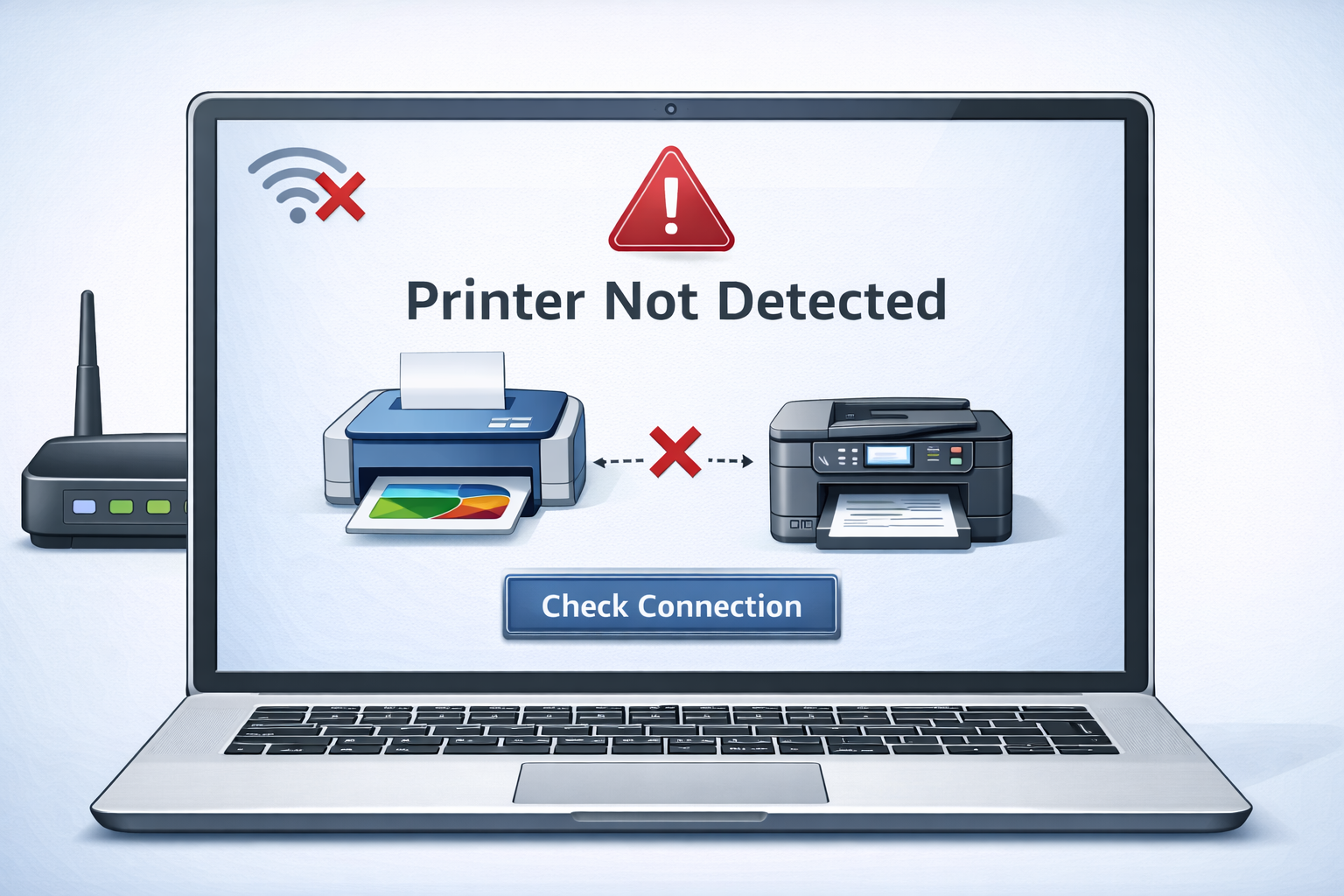
Common Causes of Printer Not Detected Problems
Several factors can cause printer not detected errors. Identifying the cause is the first step toward resolving the issue.
Common causes include:
Loose/disconnected USB
Check cable connections at both ends.
Incorrect driver installation
Driver may be missing or wrong version.
Outdated printer drivers
Update drivers from manufacturer.
Network configuration
Printer and computer on different networks.
OS detection errors
Operating system fails to recognize device.
Hardware malfunction
Printer hardware may need service.
For example, if the printer driver is not installed correctly, the computer may not recognize the printer even though it is physically connected.
Similarly, network printers may fail to appear in the device list if the printer and computer are connected to different networks.
Step-by-Step Troubleshooting for Printer Not Detected
When a printer not detected error occurs, several troubleshooting steps can help determine the cause of the problem.
Check printer power
Ensure the printer is turned on.
Verify connection
Check cable or wireless connection.
Restart devices
Restart printer and computer.
Install/update driver
Install or update printer driver.
Add printer manually
Add printer through OS settings.
These troubleshooting steps help restore communication between the computer and the printer.
Printer Not Detected on Wireless Networks
Wireless printers rely on network communication to send and receive printing instructions. If the printer is not properly connected to the network, the computer may not detect the printer.
A printer not detected issue on a wireless network can occur when:
- the printer is connected to a different WiFi network
- the router signal is weak
- network discovery settings are disabled
- firewall settings block printer communication
In many cases, reconnecting the printer to the WiFi network resolves the detection problem.
Users who need help reconnecting the printer can refer to this guide:
Printer Driver Problems and Detection Errors
Printer drivers play a critical role in device detection. When the computer installs a printer driver, the operating system learns how to communicate with the printer hardware.
If the driver becomes corrupted or outdated, the printer may not be detected correctly.
Driver-related detection problems may occur after:
- operating system updates
- incomplete driver installations
- installing incorrect drivers
Users experiencing driver-related detection issues may need to reinstall the printer driver.
Learn more in this guide:
Troubleshooting Network Printer Detection Problems
Network printers are commonly used in offices where multiple users share the same device. Because these printers rely on network communication, detection problems can occur if network settings are incorrect.
Common network detection issues include:
- incorrect IP address configuration
- router communication problems
- disabled printer sharing settings
Restarting the router and ensuring that both the printer and computer are connected to the same network often resolves detection issues.
Understanding Printer Not Detected Problems
Printer not detected problems occur when the computer cannot identify the printer hardware connected to the system. A printer not detected error may appear when installing a new printer, connecting a printer to a computer, or attempting to add a printer through network discovery.
Many printer not detected problems occur when printer drivers are outdated or incorrectly installed. When the operating system cannot communicate with the printer driver, the system may fail to detect the printer device.
A printer not detected issue may also occur when network printers are connected to a different network than the computer attempting to send the print job. Ensuring that the printer and computer are connected to the same network is often necessary to resolve printer not detected problems.
Restarting the printer and computer can sometimes resolve temporary printer not detected errors because the restart resets the communication between the printer driver and the operating system.
Official Printer Support Resources
Users experiencing persistent printer not detected problems may need manufacturer documentation to install printer drivers or configure network settings.
Official printer support resources include:
These manufacturer support pages provide printer drivers, firmware updates, installation guides, and troubleshooting documentation for specific printer models.
Related Troubleshooting Guides
Users encountering printer not detected errors may also experience other printing problems.
Related troubleshooting guides include:
© All About Printers — independent printer guides